
Migrating from Legacy Systems to Custom Software
Legacy migration: extract data, build new system, migrate, validate, cutover. A phased approach reduces risk. This guide covers the key steps, typical timeline, budget (20-30% of build cost), and lessons from migrations we've done — including our logistics case study.
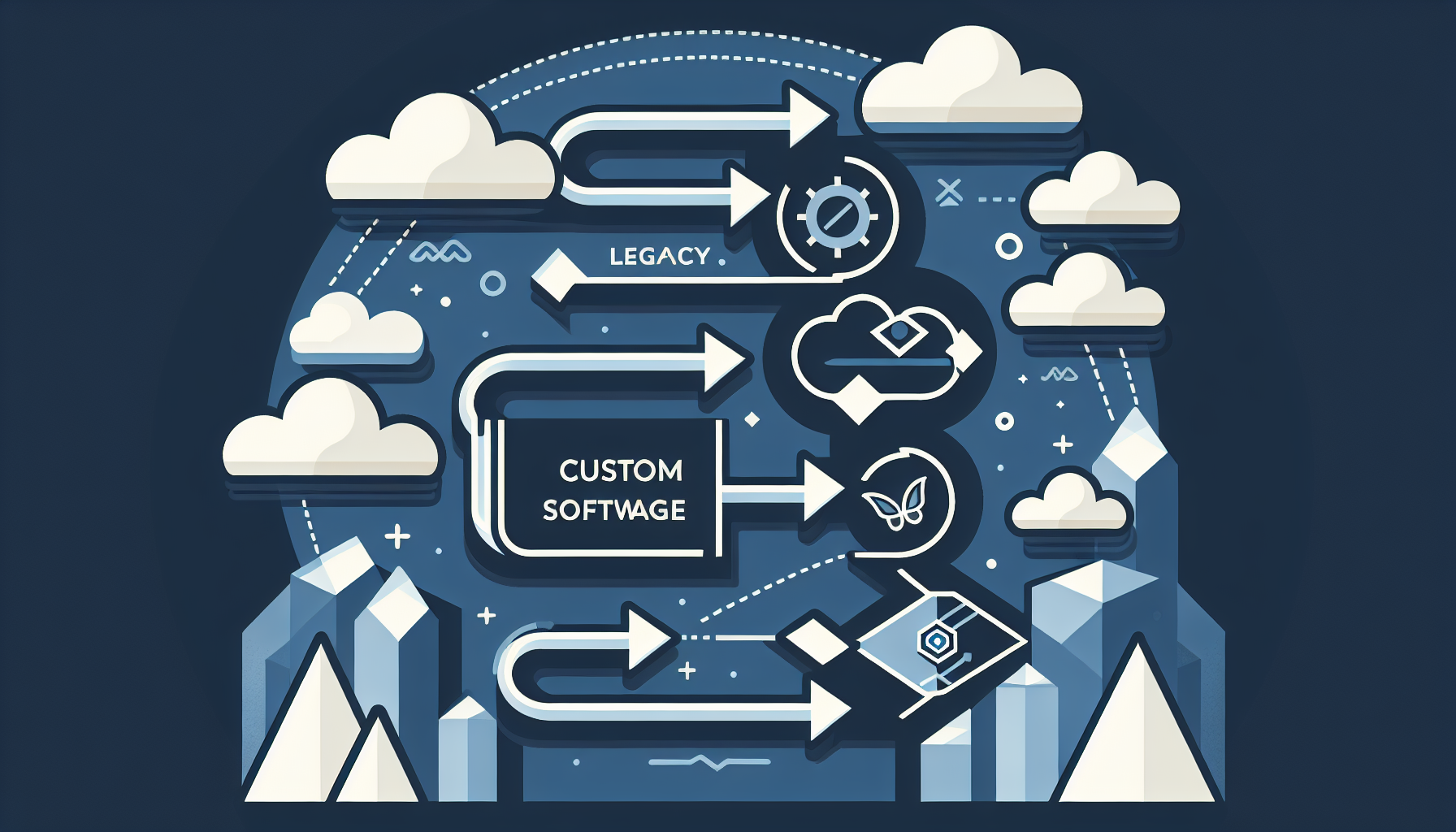
Table of Contents
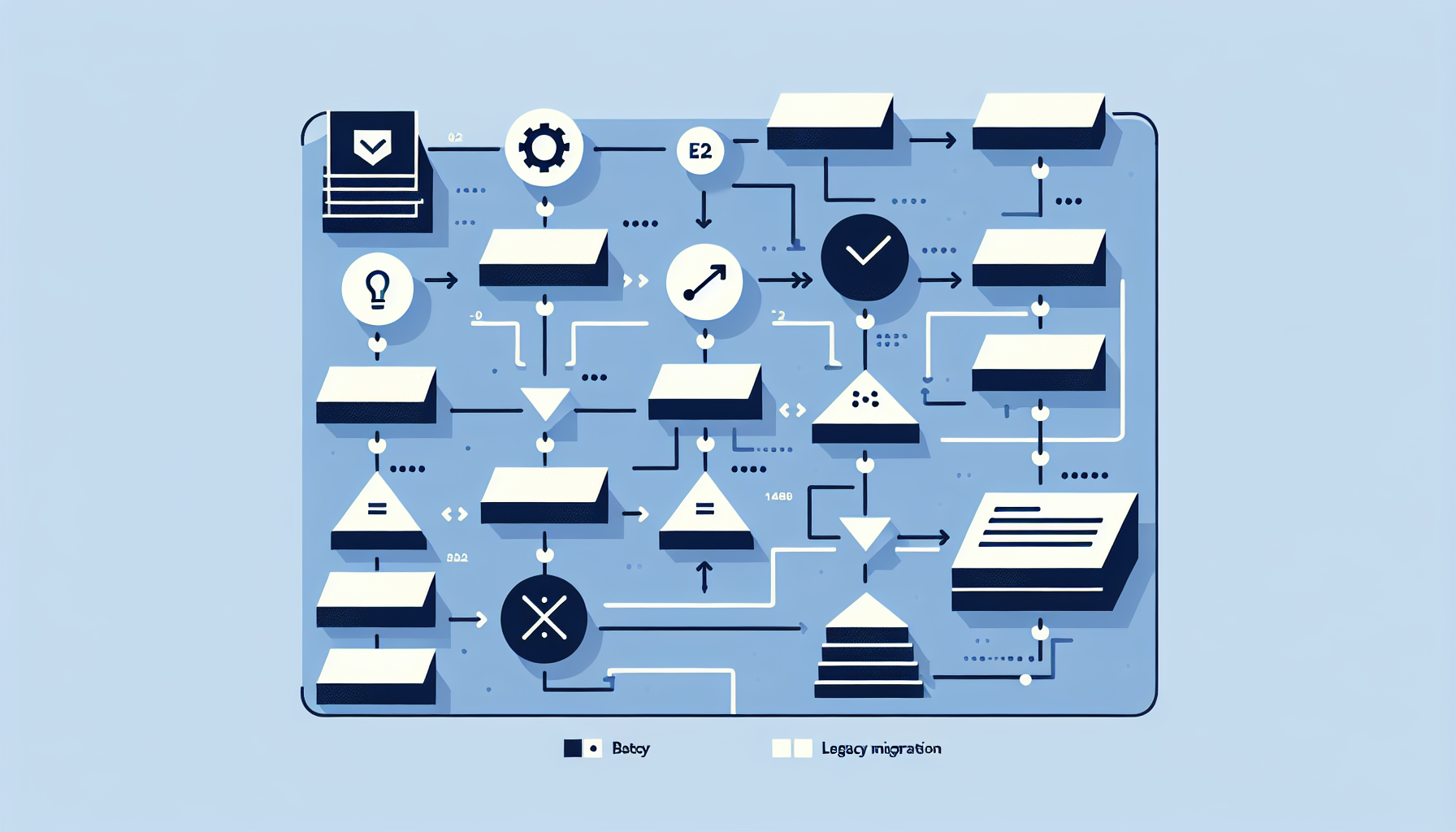
Key Migration Steps
- Data audit — What data lives where? Format? Quality? Dependencies? Document everything. Garbage in = garbage out.
- ETL scripts — Extract, transform, load. Map legacy fields to new schema. Handle nulls, duplicates, format conversions. Validate output.
- Build new system — Custom software with the right data model. Test with sample data first.
- Parallel run — Run old and new in parallel. Sync or dual-entry. Compare outputs. Fix discrepancies.
- Validation — Spot checks, reconciliation reports. Ensure data integrity before cutover.
- Cutover weekend — Final sync, switch users to new system, sunset legacy. Have rollback plan.
Parallel Run Strategy
Run both systems for 2-4 weeks. Users enter data in both (or we sync). Compare outputs daily. Fix bugs. Build confidence. Cutover when validation passes. Parallel run is the safety net — it catches migration errors before they become production problems.
Budget and Timeline
Budget 20-30% of build cost for migration. A $100K build = $20-30K migration. Includes: data audit, ETL, validation, parallel run support, cutover. Timeline: add 2-4 weeks for migration on top of build. Complex legacy (poor docs, custom formats) can add more. See our enterprise integration and logistics case study.
Frequently Asked Questions
What if we can't run in parallel?
Some systems don't allow it (e.g., legacy is being retired). Then: thorough testing with production-like data, staged cutover (by module or team), and a strong rollback plan. Risk is higher.
How do we handle historical data?
Migrate what you need. Often not everything — archive old data, migrate last 2-3 years. Reduces scope and cost. Define "what do we need in the new system?"