
How to Replace Spreadsheets With Custom Software
Spreadsheets work until they don't. When your business outgrows Excel or Google Sheets — data errors, version chaos, manual work — it's time for custom software. This guide covers when to switch, what you gain, typical costs, and the step-by-step migration process based on real projects we've delivered.
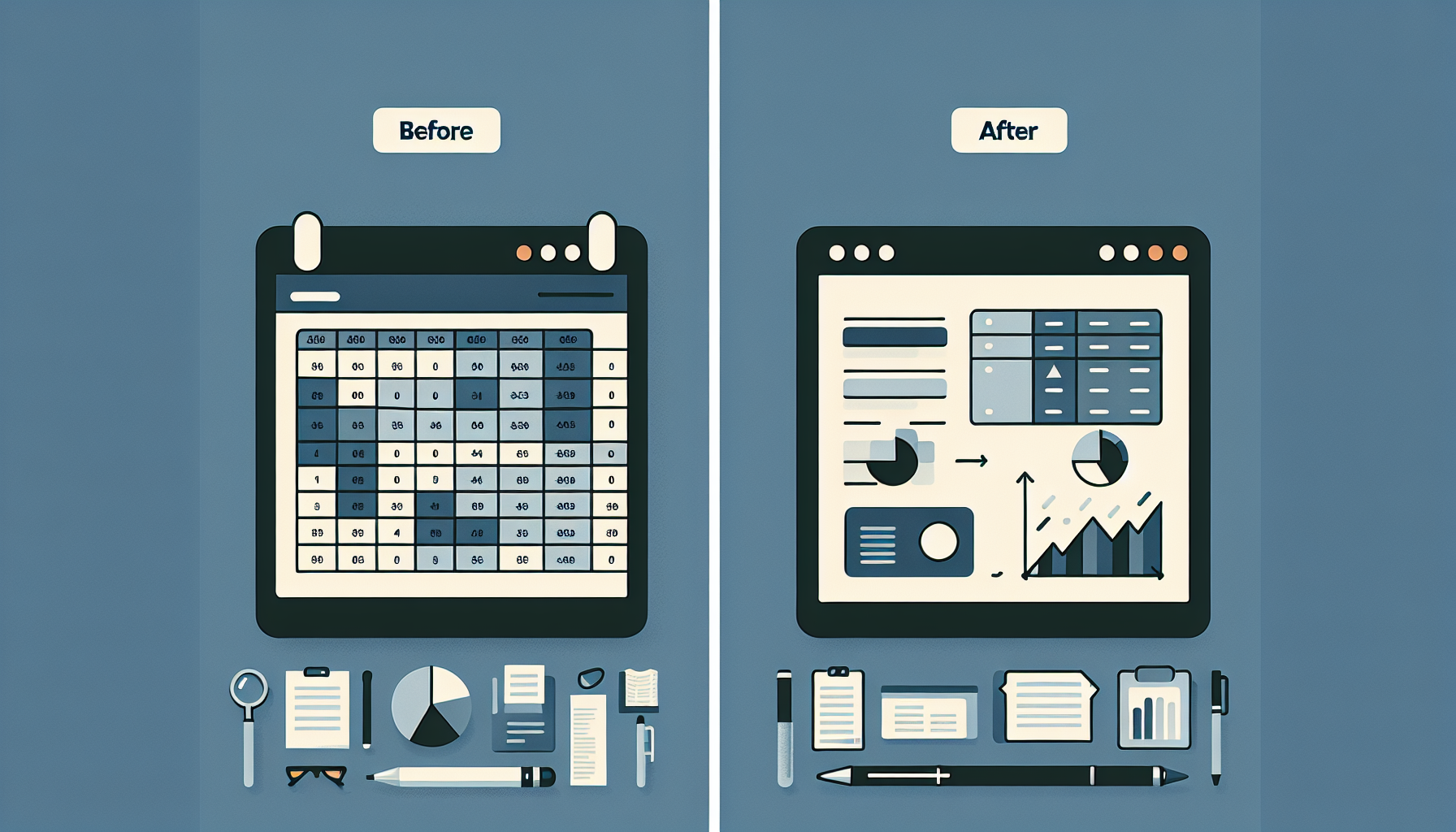
Table of Contents
- When to Replace Spreadsheets
- What You Gain With Custom Software
- Typical Cost to Replace Spreadsheets
- When No-Code Might Be Enough
- Step-by-Step: Migrating From Spreadsheets
- Frequently Asked Questions
When to Replace Spreadsheets
The tipping point varies by business, but these signals usually mean spreadsheets have become a liability:
- 3+ people editing the same data — Version conflicts, "who has the latest?" chaos, duplicate work.
- Data errors costing time or money — Wrong formulas, copy-paste mistakes, invalid entries that break downstream processes.
- 10+ hours/week on manual data entry — If your team spends this much on repetitive data work, automation pays for itself quickly.
- Need for approval workflows or audit trails — Spreadsheets can't enforce "submit for approval" or "who changed what when" at scale.
- Integration with other systems (CRM, ERP) — Manual export/import between systems is error-prone and doesn't scale.
What You Gain With Custom Software
Custom software replaces spreadsheets with a purpose-built system. Instead of fighting Excel's limitations, you get validated inputs, role-based access, automated workflows, and integrations. No more "who has the latest version?" or copy-paste errors.
Data validation
Dropdowns, required fields, format checks — no invalid entries. Prevent errors at the source instead of fixing them later.
Audit trails
Who changed what, when. Full history for compliance. Essential for finance, healthcare, and regulated industries.
Workflows
Approval chains, notifications, status tracking. Route tasks through the right people automatically.
Integrations
Sync with Stripe, Salesforce, your ERP automatically. No manual export/import. Real-time data.
Role-based access
Control who sees and edits what. Sales sees only their pipeline; finance sees only their data.
Reporting
Dashboards, exports, scheduled reports. No more manual pivot tables or VLOOKUPs.
Typical Cost to Replace Spreadsheets
Most spreadsheet-replacement projects fall in the $25,000 – $75,000 range. Simple internal tools (inventory, reporting, basic workflows) start around $25K. Complex workflows with multiple integrations, approval chains, and custom reporting run $50K–75K.
Our healthcare automation case study is a good example: we replaced manual scheduling spreadsheets with a custom system and cut admin time by 60%. Most projects at NanoStudio range $3K–$15K. For a detailed breakdown, see our pricing page and Custom Software Cost guide.
Don't jump to custom software if a no-code tool can solve it. Airtable, Notion, or Retool might handle 80% of your needs at 10% of the cost. Use custom when you need: integrations that no-code can't do, complex business logic, or scale that no-code can't handle.
Step-by-Step: Migrating From Spreadsheets
A structured migration reduces risk and ensures nothing gets lost. Here's the process we use:
- Audit current use — What data lives where? Who uses it? What breaks? Document the as-is process and pain points. This becomes the foundation for requirements.
- Define requirements — Must-haves vs nice-to-haves. Prioritize. What's in phase 1 vs phase 2? Often we start with core data + one key workflow and add from there.
- Choose build vs buy — Off-the-shelf CRM/ERP might work if your process is generic. Custom wins when you need unique workflows. See our Build vs Buy guide and Custom vs SaaS guide.
- Build in phases — Start with core data + workflows. Add integrations later. Don't try to migrate everything at once.
- Migrate & train — Data import (often CSV or API), user training, parallel run (old + new for a few weeks), then cutover. Have a rollback plan.
Frequently Asked Questions
How long does migration take?
Typically 8-16 weeks for build + migration. Simple projects: 6-8 weeks. Complex with multiple integrations: 12-20 weeks.
Can we keep using spreadsheets during the transition?
Yes. We run a parallel period where both systems are used. Data is synced or manually entered in both until we're confident in the new system. Then we cut over.
What if we need to add features later?
Custom software is built to evolve. We scope phase 1 tightly, then add features in phase 2 based on real usage. Most clients add 2-3 rounds of enhancements in the first year.
Explore Further
Ready to Replace Your Spreadsheets?
We've built custom software that replaced spreadsheets for fintech, healthcare, and logistics teams. Get a free estimate.
Get Free Estimate