
How to Automate Business Processes: A Practical Guide
Manual processes drain time and introduce errors. Automation frees your team for higher-value work. This guide covers how to identify what to automate first, quantify the pain, choose the right approach (no-code, low-code, or custom), and get real results — with examples from fintech, healthcare, and logistics.
Table of Contents
- Processes Worth Automating First
- Step 1: Map Your Current Process
- Step 2: Quantify the Pain
- Step 3: Choose Your Approach
- Real Automation Results
- Frequently Asked Questions
Processes Worth Automating First
Not every process is worth automating. Focus on high-impact, repeatable work that eats hours or causes errors. Here are the strongest candidates:
Data entry & reporting
Impact: High • Effort: Medium
Manual aggregation from multiple sources
Approval workflows
Impact: High • Effort: Low
Purchase orders, expense claims, leave requests
Customer onboarding
Impact: High • Effort: Medium
Account setup, welcome emails, data sync
Invoice & payment matching
Impact: Medium • Effort: Low
Reconciliation, exception handling
Inventory sync
Impact: High • Effort: Medium
Multi-channel, warehouse, POS
Lead routing & assignment
Impact: Medium • Effort: Low
Round-robin, territory, scoring

Step 1: Map Your Current Process
Before automating, document the as-is process. Where does data come from? Who touches it? What triggers the next step? Use a simple flowchart or swimlane diagram. Look for: handoffs between people, copy-paste between systems, and decisions that follow simple rules (if X then Y).
Common bottlenecks: manual data entry from email or PDF, approvals stuck in someone's inbox, reports built by copying from multiple spreadsheets. Each of these is an automation opportunity. The goal is to identify the "trigger" (what starts the process) and the "output" (what the process produces). Everything in between is a candidate for automation.
Step 2: Quantify the Pain
How many hours per week does this process take? How many errors occur? What's the cost of delay? If a process eats 20+ hours/month or causes recurring mistakes, it's a strong automation candidate. Calculate: (hours × hourly cost) + (error cost) + (opportunity cost of delay).
Our healthcare automation case study cut admin time by 60% — that's the ROI you're looking for. A $40K automation that saves 30 hours/week at $30/hour pays for itself in about 6 months. Quantify first, then decide if automation is worth it.
Step 3: Choose Your Approach
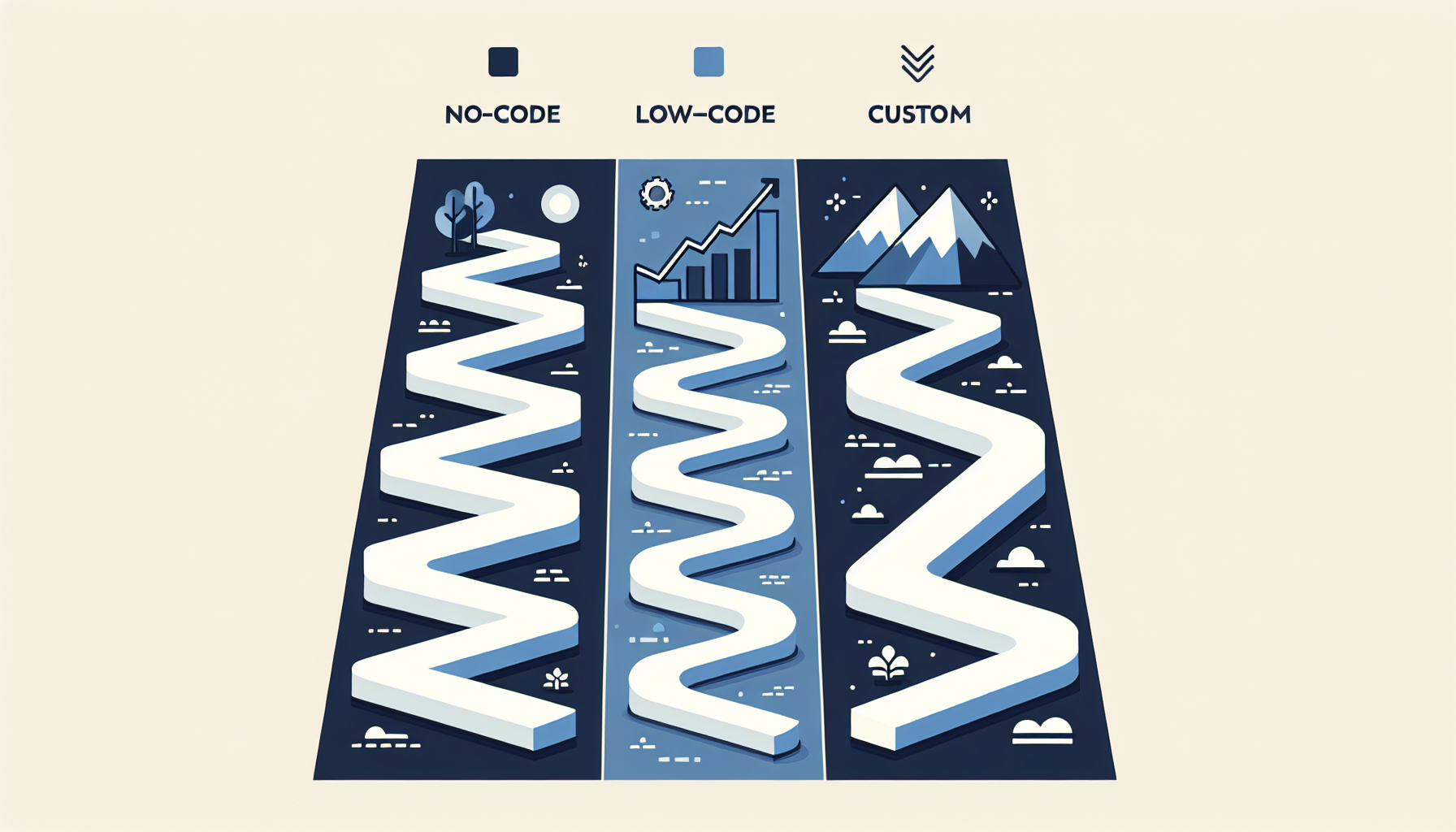
Three main options: no-code, low-code, and custom. Match the tool to the complexity.
No-code tools (Zapier, Make, Airtable)
Best for: Simple triggers, 2-3 system integration. Cost: $50-500/mo. Limit: Complex logic, scale, deep integrations.
When: Process is straightforward, no custom logic, small data volume
Low-code platforms (Retool, Bubble)
Best for: Internal dashboards, workflows with some custom logic. Cost: $50-200/user/mo. Limit: Complex business rules, heavy customization.
When: Need internal tools, moderate complexity, fast iteration
Custom software
Best for: Complex workflows, integrations with 4+ systems, compliance, unique processes. Cost: $25K-75K one-time. Full control.
When: Process is core to business, unique, or requires deep integration
Start with no-code if possible. If you hit limits (Zapier can't do X, Airtable can't integrate with Y), move to low-code or custom. See our Build vs Buy guide and Replace Spreadsheets guide for more on when to go custom.
Real Automation Results
We've built automation for fintech (85% faster reporting), healthcare (60% admin reduction), and logistics ($500K annual savings). Each project started with process mapping and ROI quantification. See our case studies for details. The pattern: identify the bottleneck, automate it, measure the improvement.
Frequently Asked Questions
Should we automate everything at once?
No. Start with one high-impact process. Prove the ROI, then expand. Phased automation reduces risk and lets you learn what works before scaling.
How do we get buy-in from the team?
Involve them in mapping. Show the time savings. Frame automation as removing tedious work, not replacing people. Most teams welcome less manual data entry.
What if our process changes often?
Custom software is built to evolve. We design for change: configurable workflows, parameter-driven logic. No-code is flexible too but hits limits with complex changes.
Explore Further
Ready to Automate?
We'll map your process and recommend the right approach — no-code, low-code, or custom.
Get Free Consultation