
End-to-End Testing for Web Applications
E2E tests simulate real user flows — login, create record, submit form — in a real browser. They catch integration issues that unit tests miss. Slower than unit tests, but high confidence. Here's how to implement E2E testing for your web app.
Table of Contents
- What Is E2E Testing?
- Tools: Playwright vs Cypress
- What to Test
- Testing Strategy
- Best Practices
- Frequently Asked Questions
What Is E2E Testing?
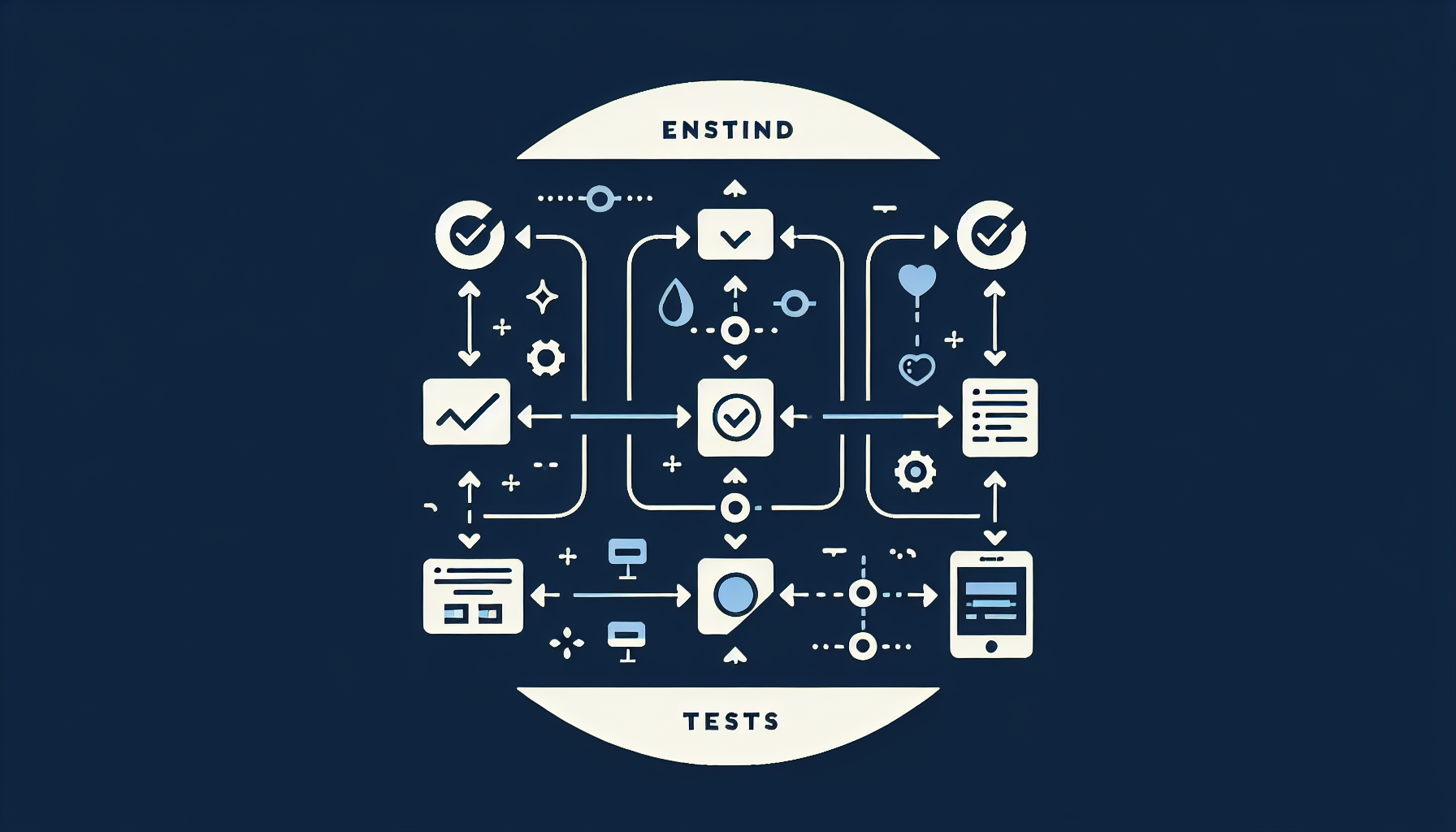
E2E tests run your app in a real (or headless) browser and automate user actions: click, type, navigate. They test the full stack — frontend, backend, database — as a user would. Slower (seconds per test) but high value for critical flows.
Tools: Playwright vs Cypress
Playwright: Microsoft-backed, multi-browser (Chrome, Firefox, Safari), fast, good for CI. Cypress: Great DX, real-time reload, strong community. Both are excellent. We prefer Playwright for new projects (better multi-browser, faster). See our Testing Strategies guide.
What to Test
- Critical user flows — login, signup, checkout, core workflow
- Happy path first — then edge cases
- Cross-browser — at least Chrome + one other
- Don't over-test — E2E is slow; use for high-value flows only
Testing Strategy
Testing pyramid: many unit tests (fast), fewer integration tests, few E2E tests (slow but critical). Run E2E on CI before merge. Use test data fixtures; avoid depending on production data. Parallelize when possible.
Best Practices
- Use data-testid for stable selectors — avoid brittle CSS
- Keep tests independent — no shared state
- Mock external APIs in E2E — or use a test environment
- Run in headless in CI — faster
Frequently Asked Questions
How many E2E tests should we have?
Enough to cover 5–10 critical flows. Login, signup, core workflow, payment (if applicable). More than 20–30 E2E tests and CI gets slow. Use unit/integration for the rest.