
Integrating Custom Software with Existing Systems
Custom software often needs to talk to Salesforce, your ERP, payment systems, or legacy databases. This guide covers integration approaches: REST/GraphQL APIs, webhooks, middleware, and when to use each — plus typical costs and best practices.

Table of Contents
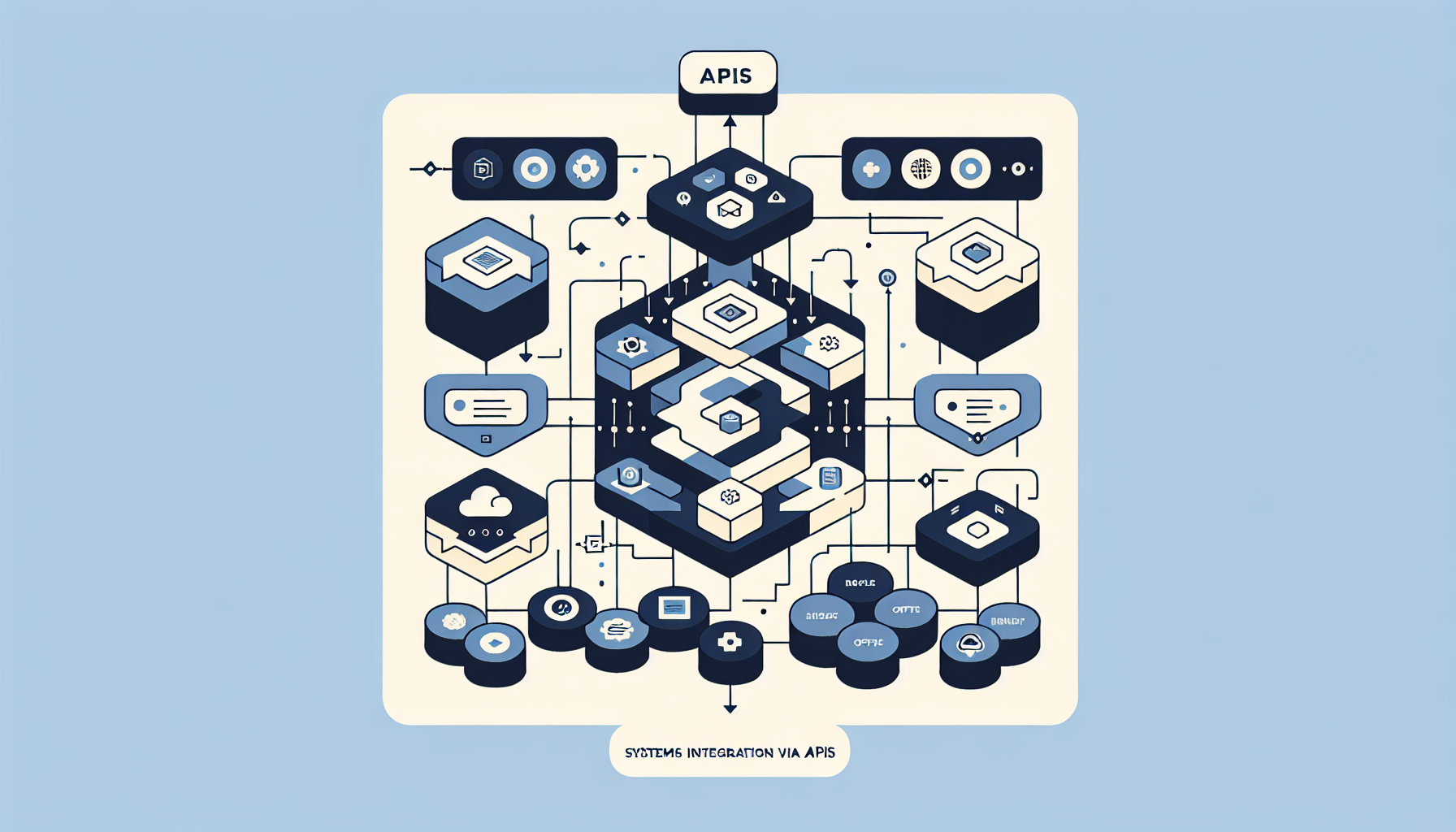
Integration Approaches
REST or GraphQL APIs
When the system has a modern API (Salesforce, Stripe, HubSpot). Real-time or near-real-time. Best for: CRM, payment, SaaS. Use when available.
Webhooks
Event-driven. System A pushes to your endpoint when something happens. Best for: notifications, async updates. Stripe, GitHub, many SaaS support webhooks.
Middleware (MuleSoft, custom ETL)
When you have many systems or legacy with no API. Middleware orchestrates. Custom ETL for batch sync. Best for: ERP, legacy databases, complex flows.
Scheduled syncs
Export from legacy, import to new system. Cron jobs, nightly batches. Simpler but not real-time. Good when real-time isn't critical.
Typical Integration Costs
Budget $5K-25K per major integration. Simple API (Stripe, well-documented CRM): $5-10K. Complex (legacy ERP, custom mapping, error handling): $15-25K. Multiple integrations add up. See our enterprise integration services.
Best Practices
- Idempotency — Handle duplicate events. Don't double-process.
- Error handling — Retries, dead-letter queues. Log failures.
- Data mapping — Document field mappings. Handle nulls, format differences.
- Rate limits — Respect API limits. Back off on 429.
- Security — API keys in env, not code. Use OAuth where supported.
Frequently Asked Questions
What if the system has no API?
Options: (1) Database read-only access if allowed. (2) File export/import. (3) Screen scraping (last resort, fragile). (4) Ask vendor for API — some have undocumented or partner APIs.
Real-time vs batch?
Real-time when users need immediate sync (e.g., order status). Batch when daily or hourly is fine (e.g., reporting). Batch is simpler and cheaper.