
CRM Automation: Workflows That Drive Revenue
A CRM is only as good as the workflows behind it. Lead scoring, follow-up sequences, pipeline automation — these workflows turn a contact database into a revenue engine. Here are the CRM automation strategies that actually close deals.

Table of Contents
- Lead Scoring & Routing
- Automated Follow-Up Sequences
- Pipeline Automation
- Task & Activity Automation
- Sales Reporting Automation
- Tools & Implementation
- Frequently Asked Questions
Lead Scoring & Routing
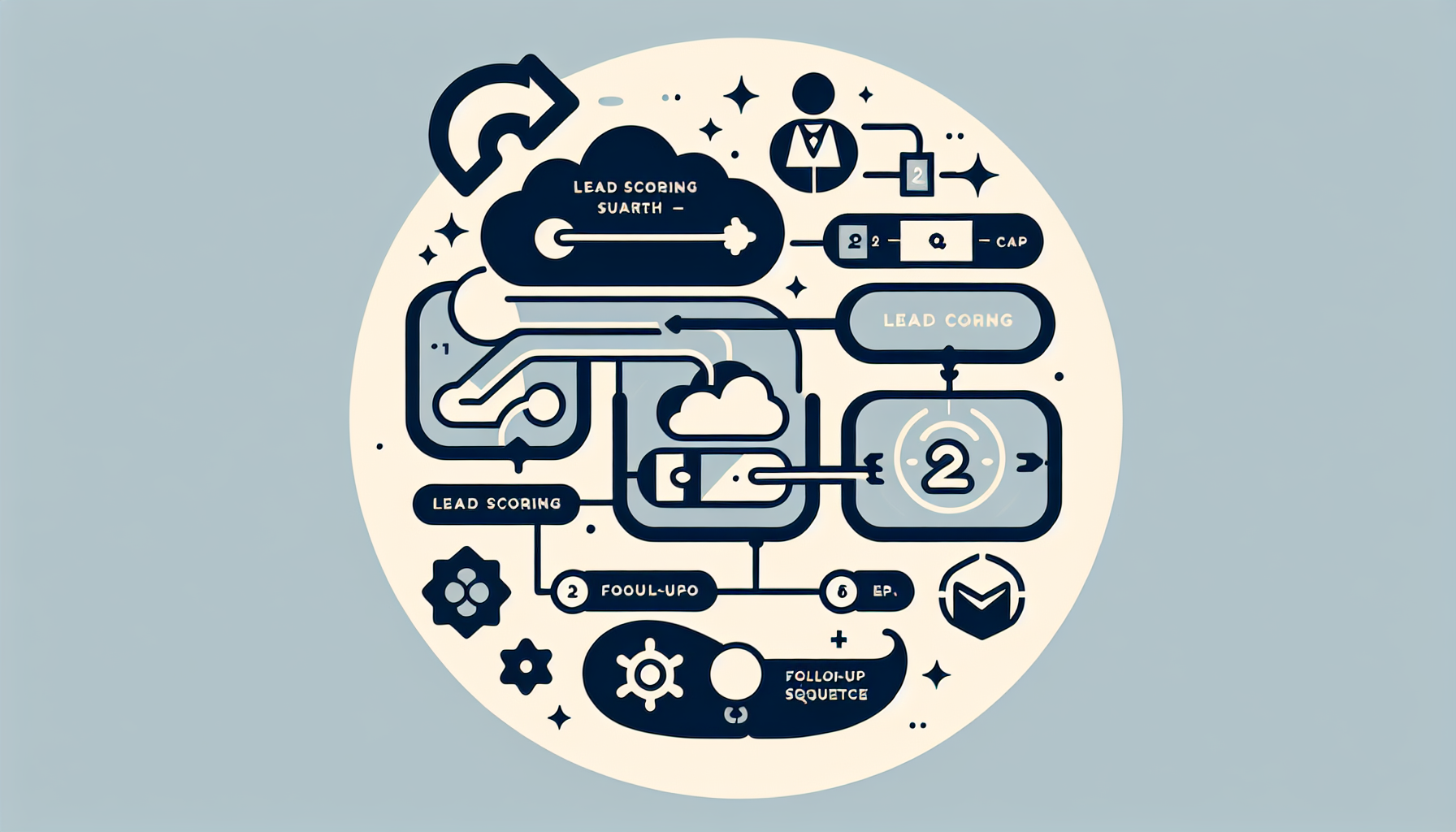
Score leads by behavior (email opens, page visits, form submissions) and demographics. Route hot leads to sales immediately; nurture cold ones with automated sequences. HubSpot, Salesforce, Pipedrive — most CRMs support this. Custom logic for complex B2B: build with custom software.
Automated Follow-Up Sequences
- New lead → welcome email + add to nurture sequence
- Meeting booked → calendar reminder + prep email 24h before
- Proposal sent → follow-up at 3, 7, 14 days if no response
- Deal won → onboarding sequence; deal lost → feedback request
Pipeline Automation
Auto-advance stages when criteria are met. Trigger tasks when deals stall. Escalate to manager when deal is open 30+ days. See our Sales Automation guide.
Task & Activity Automation
Create tasks when leads enter a stage. Log emails and calls automatically. Sync calendar with CRM. Reduces manual data entry and keeps pipeline accurate.
Sales Reporting Automation
Daily pipeline summary, weekly forecast, activity metrics. Dashboards in CRM or custom. See our Custom Reporting guide.
Tools & Implementation
HubSpot, Salesforce, Pipedrive — native automation. Zapier/Make for cross-app workflows. For complex, custom logic: custom CRM or integrations.
Frequently Asked Questions
How long does CRM automation setup take?
Basic workflows: 1–2 weeks. Lead scoring + routing + sequences: 4–6 weeks. Full pipeline automation with custom logic: 2–3 months.