
Document Automation for Business Efficiency
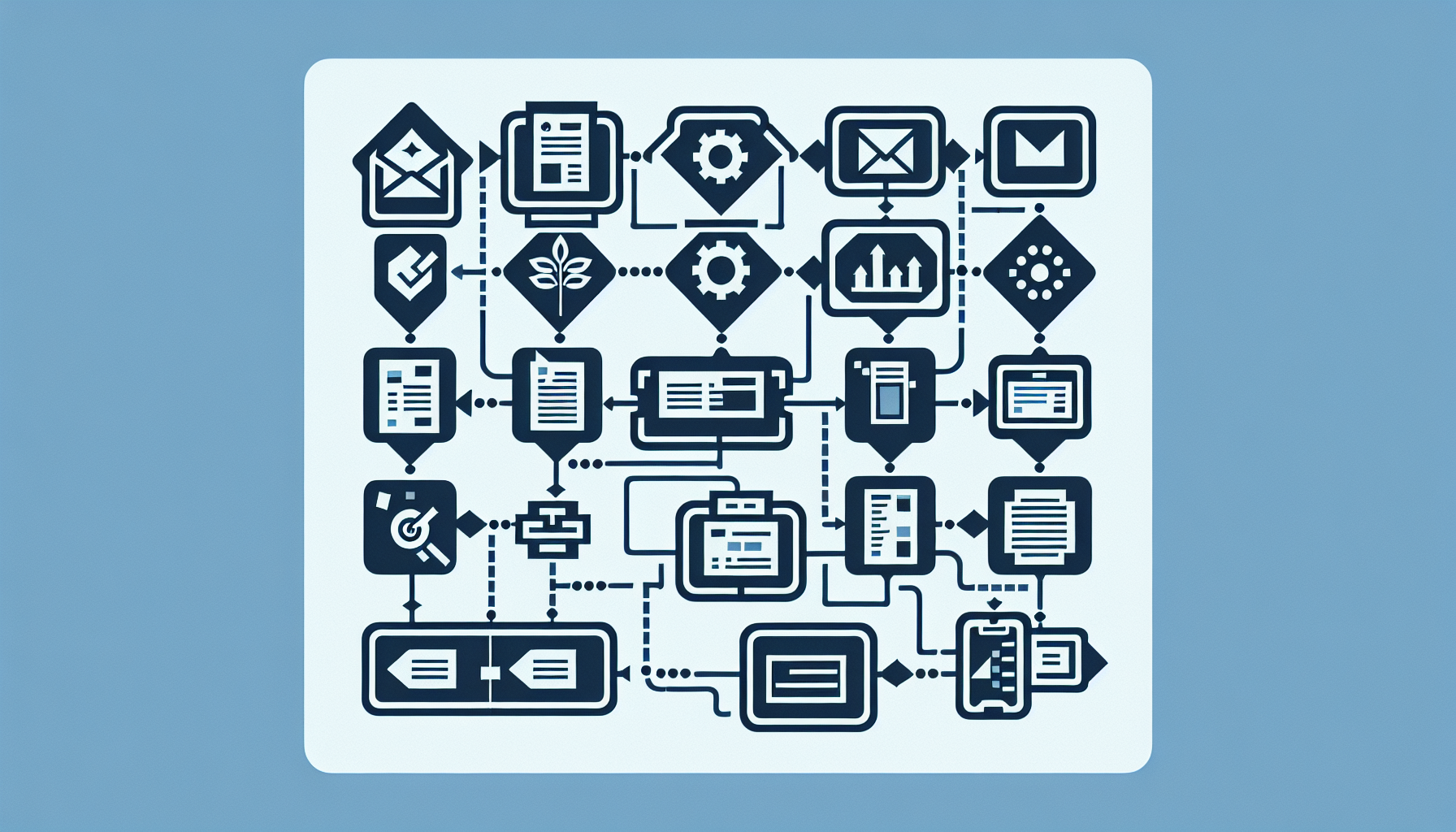
Contracts, proposals, reports — manual document creation is slow and error-prone. Document automation generates from templates, routes for approval, and tracks signatures. Here's how to automate the document lifecycle.

Table of Contents
- Document Generation
- Approval & Routing
- E-Signature
- Storage & Versioning
- Tools & Custom Build
- Frequently Asked Questions
Document Generation
- Templates with merge fields — pull from CRM, database, or form
- Contracts — terms, pricing, parties from deal data
- Proposals — scope, timeline, pricing from project config
- Reports — scheduled generation from data sources
Approval & Routing
Route to manager, legal, finance based on type or amount. Notifications, escalation. See our Approval Workflows guide.
E-Signature
DocuSign, PandaDoc, HelloSign — send for signature, track status. Integrate with CRM or custom app. Legally binding in most jurisdictions.
Storage & Versioning
Store signed docs in DMS or cloud. Version history. Audit trail for compliance.
Tools & Custom Build
PandaDoc, DocuSign, JotForm + PDF — for proposals and contracts. Custom for complex templates, unique workflows, or integration with legacy systems.
Frequently Asked Questions
How complex can document templates get?
Simple: merge fields, conditional sections. Complex: multi-page, dynamic tables, logic based on product/config. Custom build handles the latter. See our Custom Software service.