
Calculating ROI on Business Process Automation
Automation has a cost — software, implementation, change management. It also has benefits — time saved, fewer errors, faster throughput. To justify the investment, you need to calculate ROI. Here's the framework we use.
Table of Contents
- ROI Formula
- What to Include in Costs
- What to Include in Benefits
- Example Calculation
- Intangible Benefits
- Frequently Asked Questions
ROI Formula
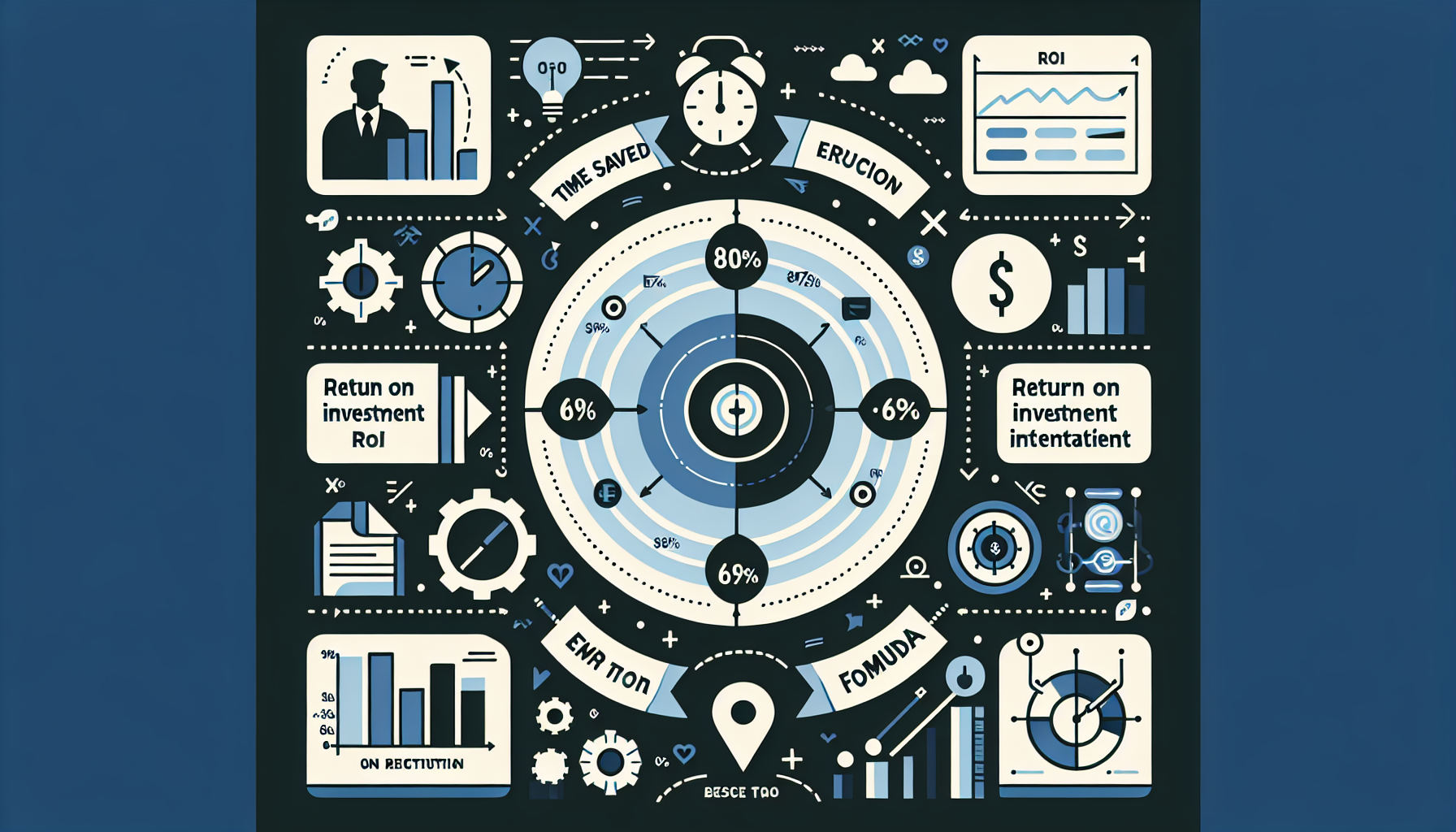
ROI = (Benefits − Costs) / Costs × 100. Example: $50K benefits, $20K costs → ROI = 150%. Payback period = Costs / Annual Benefits. Example: $20K cost, $25K/year benefit → payback in 9.6 months.
What to Include in Costs
- Software/tool cost — Zapier, custom dev, SaaS subscriptions
- Implementation — setup, integration, data migration
- Training — user onboarding, documentation
- Change management — communication, support during transition
- Ongoing — maintenance, support, upgrades
What to Include in Benefits
- Time saved — hours × hourly cost. 20 hrs/week × $50/hr × 52 = $52K/year
- Error reduction — cost of rework, disputes, lost revenue from errors
- Faster throughput — more orders/leads processed, revenue impact
- Compliance — avoided fines, audit efficiency
- Scalability — can handle growth without adding headcount
Example Calculation
Process: Manual invoicing → automated. Cost: $15K custom build + $2K/year maintenance. Benefit: 10 hrs/week saved × $40/hr × 52 = $20.8K/year. ROI = ($20.8K − $17K) / $17K = 22% year 1. Payback: ~10 months. See our Custom Software ROI guide for more.
Intangible Benefits
Don't ignore: employee satisfaction (less tedious work), faster customer response, data quality. Hard to quantify but real. Include as qualitative justification when ROI is borderline.
Frequently Asked Questions
What ROI should we target?
Many companies want 100%+ ROI in year 1, or payback under 12 months. For strategic automation (e.g., enabling scale), 2–3 year payback can be acceptable. Document assumptions so you can revisit.
Need an ROI Model?
We'll help you quantify benefits and costs for your automation project.
Book Consultation